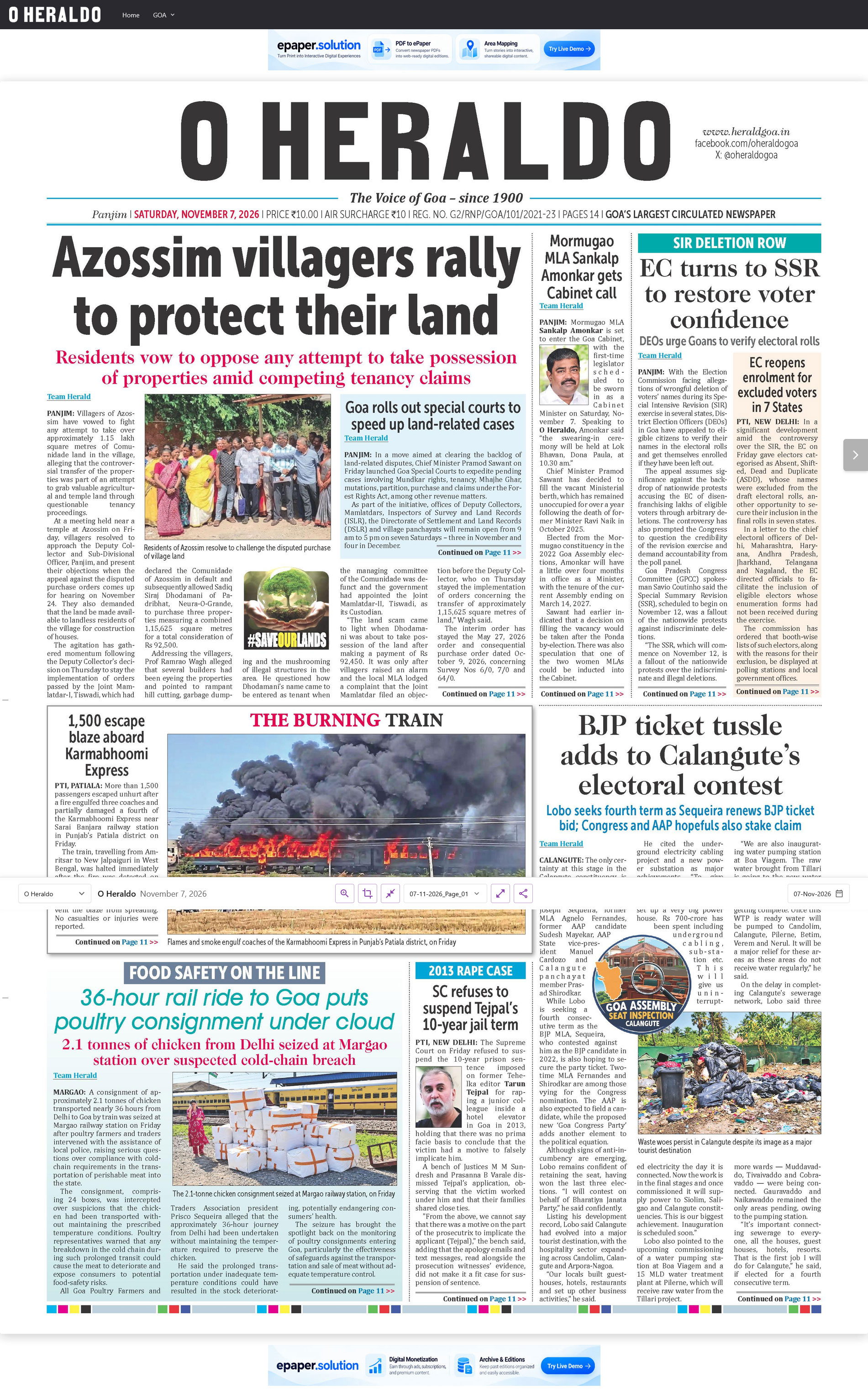
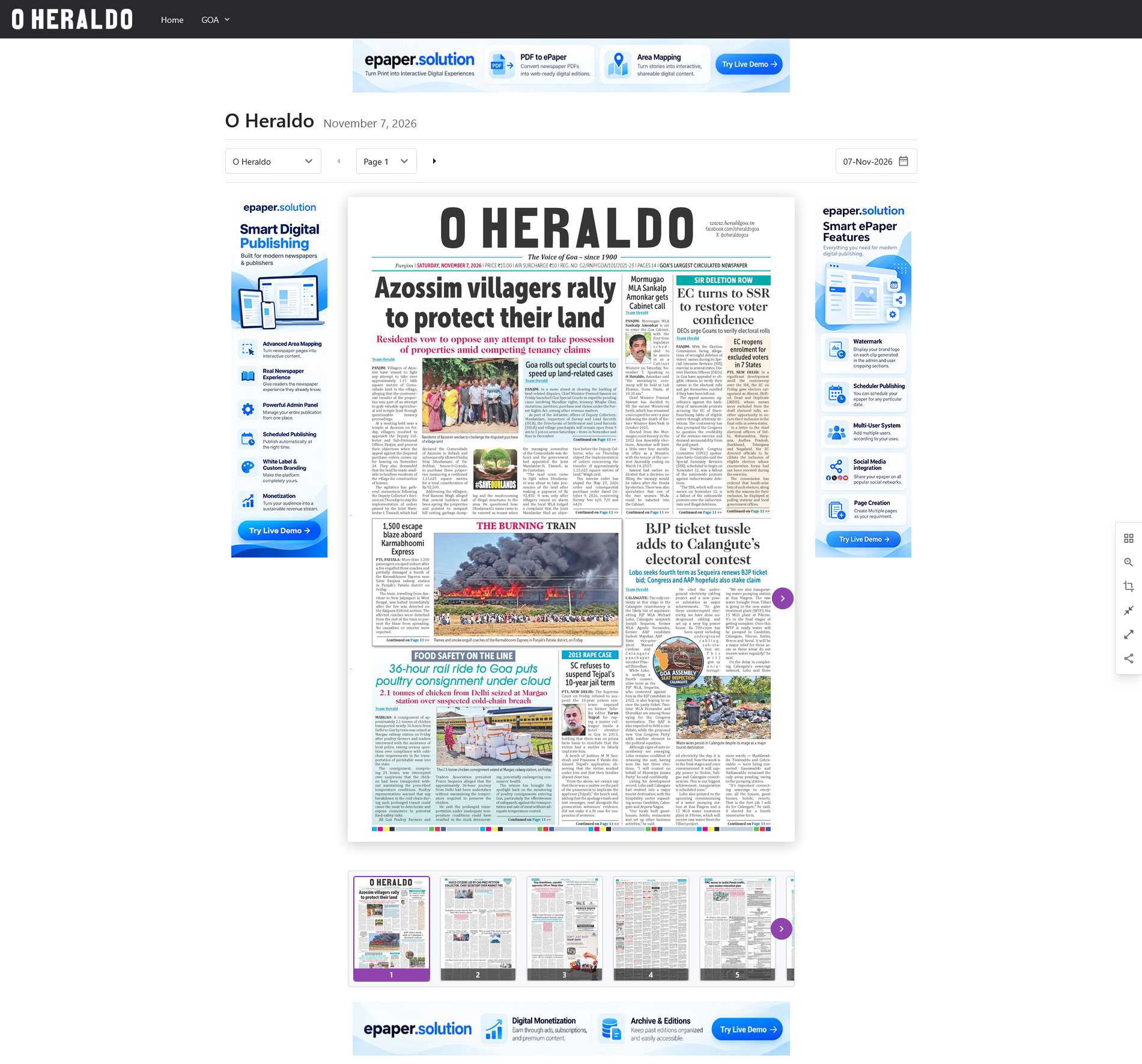
Choose how your digital newspaper is presented to readers. From multiple ePaper editions to full-screen, sidebar and clean regular layouts, ePaper Solutions gives publishers the flexibility to create the reading experience that works best for their publication.
01.
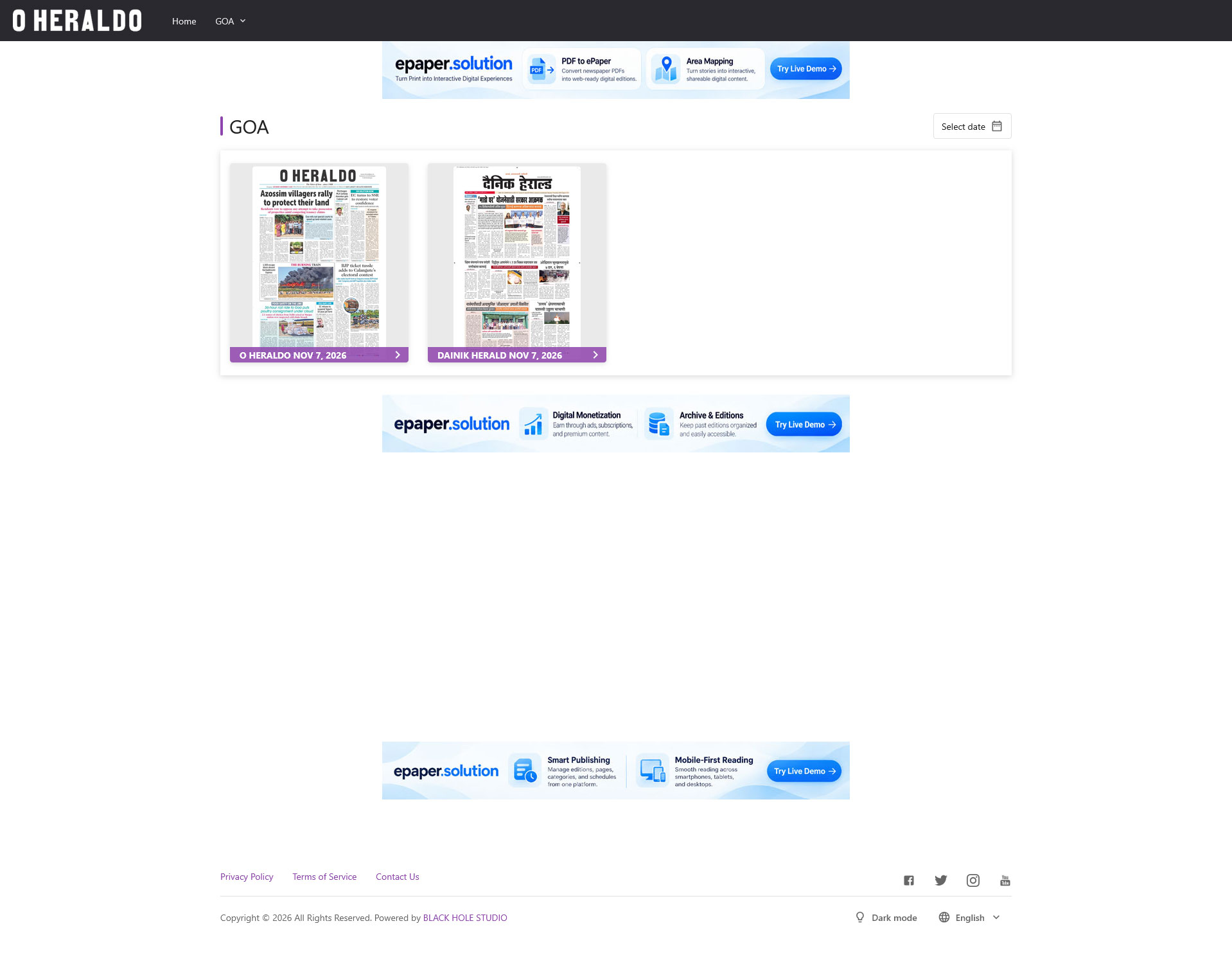
Display Multiple ePaper Editions on One Homepage
Perfect for publishers with multiple editions. Display the latest ePaper editions together on your homepage so readers can quickly choose the edition they want to read.
Publishers with a single edition can skip this page and open their latest ePaper directly.
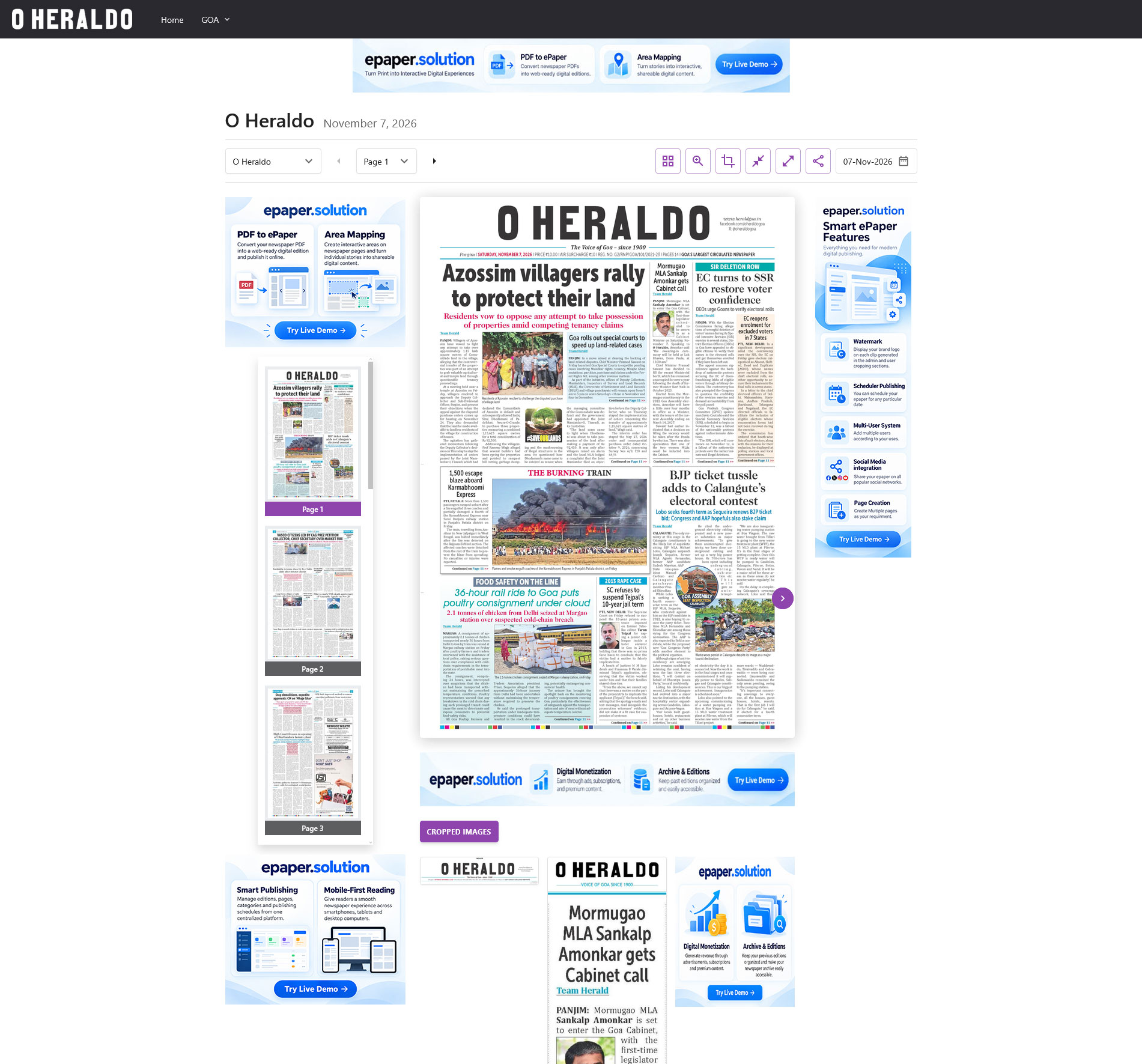
Make page navigation faster with ePaper thumbnails displayed in a convenient left sidebar.
Readers can browse other newspaper pages while continuing to view the current ePaper edition, creating a smooth and familiar digital reading experience.